Steal The Brainrot Base How to Redeem Codes
Join the place, open the Codes UI, paste carefully, and verify the reward before you move on.
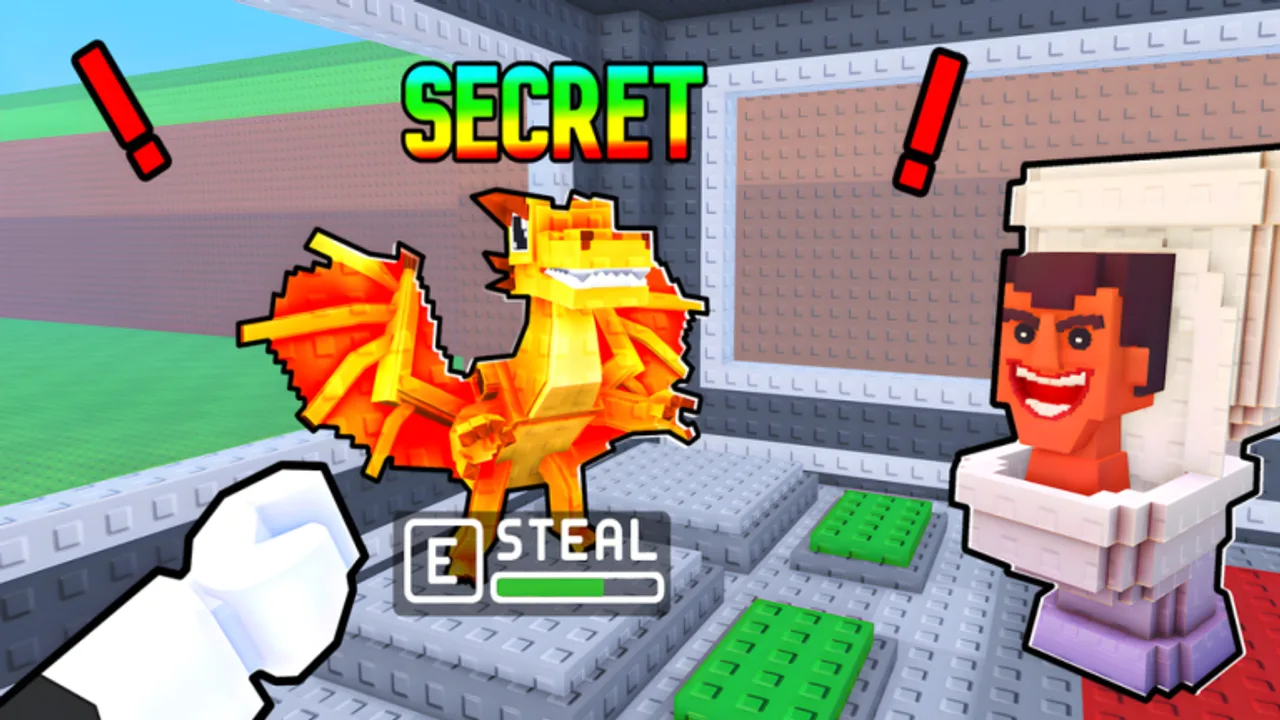
Redeeming a code in Steal The Brainrot Base should take less than a minute once a real promo exists. This guide walks through the practical flow, the mistakes that make a good code look broken, and how to stay safe while you chase free cash, Stars, or other gifts from Loot The Base!
Important context first: as of this writing the Codes Hub reports no publicly active codes. Learn the redemption path now so you are ready the moment a working string appears. Do not invent codes, and do not paste strings copied from Steal a Brainrot — that is a different Roblox game.
Before you open the Codes UI
- Launch Roblox and open the official place: Steal The Brainrot Base.
- Wait until you fully load into a server and can move. Redeem attempts during a half-loaded session are a common false failure.
- Keep the code in clipboard form so you are not retyping from a blurry screenshot mid-raid.
- If the server is mid-chaos, finish or abandon your current steal first. You want a calm moment at your base, not a raging Brainrot chase on your screen.
Small servers mean high steal pressure. Redeeming while you are deep in someone else’s base is how you lose both focus and a Brainrot.
Step-by-step redemption
Exact button labels can shift after UI updates, but the workflow stays consistent across Roblox promo games:
- Open the in-game menu that houses Codes, Rewards, Gifts, or a similar shop/settings tab.
- Find the text box that accepts a promo string.
- Paste the code exactly. Watch for hidden spaces before or after the string when you copy from social posts.
- Confirm with the Redeem / Submit / Claim button.
- Look for a success toast, inventory ping, or currency jump. If the UI says the code is invalid, expired, or already used, stop retry-spamming and re-check the source.
If you cannot find a Codes button at all, that usually means no redeemable campaign is live — not that the button is “hidden behind rebirth 50.” Cross-check the Codes Hub before hunting through every menu for a missing feature.
Fixing common redeem failures
Invalid code
You may have the wrong game’s string, a typo, or a meme caption that was never a code. Confirm the post is about Steal The Brainrot Base by Loot The Base!, not a similarly named experience.
Expired code
Many Roblox promos die quietly after a short window. An expired code is not a bug. Move on and keep grinding steals instead of refreshing the same dead string.
Already redeemed
Most codes are one-time per account. Alts need their own redeem if the rules allow it; your main will not get a second payout.
Nothing happened
Rejoin the experience, disable overlays that block UI clicks, and try again on a stable connection. Then verify whether the reward was subtle — a small cash bump is easy to miss if you immediately open upgrade menus.
UI never appears
Treat “no Codes button” as “no active campaign” unless the creator’s official channel clearly points to a different redeem path that day.
How to verify a code source quickly
Use a short honesty checklist before you paste anything:
- Does the post name Steal The Brainrot Base / Loot The Base! specifically?
- Does it show the in-game redeem UI succeeding, or only a caption?
- Is the same string repeated across random accounts with different reward claims? That is usually noise.
- Does anyone ask for your password, a “verifier” executable, or a paid Discord role? Walk away.
After a patch, skim Updates for event notes, then confirm the reward inside the live place. Community rumor is a lead, not a confirmation.
What to do with rewards
A good code should accelerate the real loop, not replace it:
- Spend early cash on upgrades that protect income or speed successful returns — see Base Upgrades.
- Convert a temporary surplus into a cleaner Rebirth timing window instead of buying every cosmetic impulse.
- If the gift is Stars or a similar premium progress token, bank it toward permanent power rather than wasting it while your base layout is still wide open.
- Keep offline earners filled using Offline Earnings so the free boost compounds while you are away.
If you are brand new, redeem first, then follow Getting Started so the free resources do not sit idle while you learn the snatch-and-chase basics.
Mobile vs PC tips
On mobile, paste from the OS clipboard instead of typing letter by letter. Zoom the UI if the text box is tiny. On PC, Ctrl+V (or Cmd+V) after clicking the field; clicking away too early is a frequent miss. Either platform: do not redeem while you are already carrying a stolen Brainrot — finish the delivery home first.
For movement and interaction basics that surround the Codes UI, keep Controls handy.
Related pages
- Codes Hub — live status table and watch list
- Updates — patch and event signals that often accompany promos
- Guides Hub — steals, defense, rebirth, and offline cash
- How to Protect Your Base — spend rewards where they reduce raid losses
Redeeming is the easy part. Turning the gift into a safer, richer base is the real win in a four-player pressure cooker server.
Frequently Asked Questions
Quick answers for Steal The Brainrot Base players.
Where is the Codes button in Steal The Brainrot Base?
Open the in-game menu that lists Codes, Rewards, or Gifts after you fully load into the place. If no redeem UI exists, there is usually no active campaign live.
Why does my code say invalid?
Common causes are typo/spacing issues, an expired promo, a code already used on the account, or a string meant for a different Brainrot game.
Do I need to pay Robux to redeem?
No. Official promo codes redeem inside the game UI for free. Anyone selling “codes” for Robux or account details is not a legitimate redemption path.
Should I redeem during a steal?
No. Finish the chase and bank the Brainrot at home first. Small servers punish distraction — redeem when you are safe at your base.
Are there active codes I can redeem today?
Check the Codes Hub. If that hub still shows no publicly active codes, there is nothing confirmed to redeem yet.