Steal The Brainrot Base Controls & Movement
Master camera, movement, and interaction habits that win chases in small-server raids.
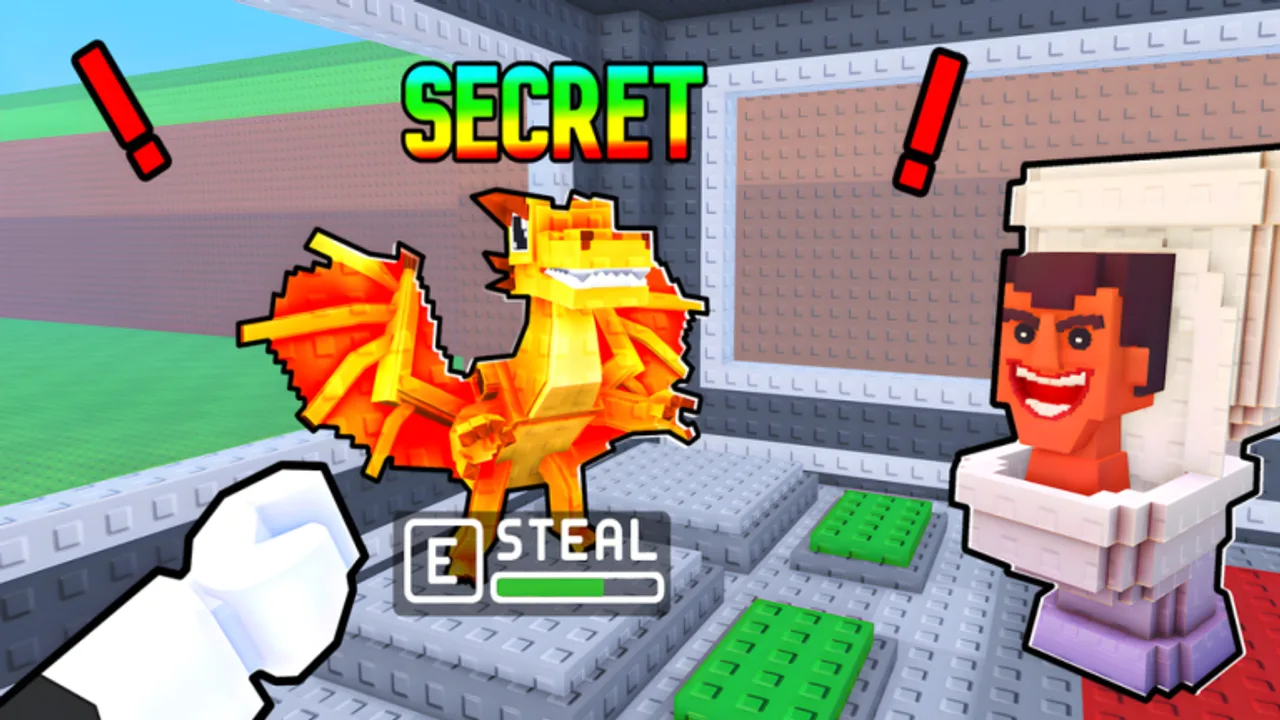
You can understand the entire fantasy of Steal The Brainrot Base and still lose every chase if your hands fight the camera. This controls guide focuses on practical PC and mobile habits for sneaking into bases, snatching Brainrots, surviving the raging pursuit, and managing your home without tabbing into a donation simulator.
Roblox input prompts can vary by device and shift slightly with updates from Loot The Base! Use the on-screen hints in your session as the final authority for button glyphs, and use this page for the habits that do not change.
Default mental model
Every useful input serves one of four jobs:
- Traverse — reach a base without announcing the raid too early.
- Interact — snatch, place, upgrade, redeem, rebirth.
- Chase — keep speed and camera coherent while a Brainrot rages after you.
- Defend — snap attention home when a thief appears.
If an input habit helps one job but destroys another (for example, locked sprint FOV that blinds you to doorway raids), it is a bad habit.
PC fundamentals
Movement
- Use WASD for deliberate approaches. Hold sprint only when the lane is committed.
- Jump sparingly during stealth approaches; jump noise and silhouette changes are easy tells.
- Strafe around corners instead of pivoting in place like a turret — smoother paths win chases.
- When banking, path into your base with a clear last segment; do not weave cosmetics paths while pursued.
Camera
- Keep the camera high enough to see cut-offs behind you during escapes.
- Flick-check your own base after major steals. Tiny servers punish tunnel vision.
- Avoid extreme first-person comfort settings if they hide peripheral entry lanes; third-person awareness is usually kinder to raid games.
Interaction
- Click/tap interact only when you are ready to commit to the snatch-and-escape plan from How to Steal.
- Do not open the upgrade shop mid-carry.
- Codes redemption — when a code exists — should happen at home; see How to Redeem Codes.
Keyboard discipline
- Bind or remember the exact menu keys so you are not hunting during a soft defense window.
- Mute sticky keys / accidental emote binds that fire when you panic-press.
- If you use a browser shift-lock or custom lock-on style, practice it in a quiet moment first.
Mobile fundamentals
Thumbs
- Keep the movement thumb calm during approaches; jitter sprinting reads as raid intent.
- Use the camera thumb to lead turns before the body turns — chase lines feel wider that way.
- Prefer tap-interact precision over mashing; double inputs can waste the commit frame.
UI clutter
- Lower oversized HUDs if they block doorway vision.
- Do not open the Roblox outer menu while carrying a Brainrot.
- Paste codes from clipboard instead of on-screen typing during contested sessions.
Performance
- Drop graphics enough to keep frame pacing stable. A pretty stutter loses to a smooth escape.
- Heat throttling mid-chase is a real enemy; short sessions beat melted phones.
Chase-specific control tips
The raging Brainrot chase is where mechanics and inputs meet:
- Pre-aim the exit before you snatch so the first second is already forward motion.
- Commit to one line for several seconds; micro-corrections every frame bleed speed and clarity.
- Corner once on purpose if a pursuer is camera-locked to your old line.
- Never open inventory philosophy debates mid-run. Places, Stars, rebirth screens — all later.
- Bank first, emote never. Celebrations do not secure offline earners.
If you repeatedly die at the same corner, that is a controls drill, not a “need more rebirths” problem. Practice that corner empty-handed.
Defense-specific control tips
- After banking, physically rotate the camera across approaches before you touch shop UI.
- Practice a “home snap” habit: one quick orientation check every time you hear or see contested movement.
- When you catch a thief, decide with a single glance whether you are cutting escape or securing leftovers — see How to Protect Your Base.
Menu hygiene (secretly a control skill)
Menus lose games. Build rules:
- Shop in bursts under three seconds when the lobby is hot.
- Deep Base Upgrades planning happens after a safe scan.
- Rebirth confirmation is a calm-home action, not a mid-map impulse.
- Offline leave checklist from Offline Earnings is performed with both hands ready to cancel if someone enters.
Accessibility and comfort
- Lower camera sensitivity if you over-flick and lose the exit.
- Raise it slightly if you cannot check behind during chases.
- Use headphones for directional audio cues when possible; tiny lobbies still create readable movement noise.
- Take breaks before input quality collapses. Fatigue looks like “the game got harder.”
Practice routine (15 minutes)
- Two minutes walking approaches without sprint.
- Three minutes empty-handed escape lines from a neighbor base to yours.
- Three minutes camera snap checks toward home every ten seconds while roaming.
- Three minutes live junk steals focused only on first-second commit quality.
- Four minutes review deaths: input mistake vs decision mistake.
Log which deaths were literally “I opened a menu” or “I looked the wrong way.” Those are free future wins.
Common control mistakes
- Sprint-holding from spawn to snatch every time.
- Jump-spamming in chases that need clean footing.
- Camera glued to the stolen Brainrot instead of the pathing hazard ahead.
- Redeeming or rebirthing while exposed.
- Copying keybind advice for a completely different Brainrot title’s gear kit.
Related pages
- Getting Started — when to use these skills in hour one
- How to Steal — decision layer on top of inputs
- How to Protect Your Base — home attention habits
- Guides Hub — full index
- Codes Hub — redeem only when safe and a real code exists
Good controls will not invent Brainrots out of thin air. They will make sure the ones you already earned survive the run home — and that is most of the skill gap in Steal The Brainrot Base.
Frequently Asked Questions
Quick answers for Steal The Brainrot Base players.
What are the default controls?
Roblox movement uses standard device controls (WASD/sprint on PC; virtual stick on mobile). Always trust the on-screen prompts in your session for exact glyphs after updates.
Should I sprint all the time?
No. Sprint when the raid is committed or you are escaping. Constant sprinting telegraphs approaches in small servers.
Why do I keep failing chases on mobile?
Usually camera leading and frame pacing. Lower graphics if needed, lead turns with the camera thumb, and pre-aim the exit before you snatch.
When should I open menus?
At home after a threat scan. Never open shop, codes, or rebirth UI while carrying a Brainrot or during an obvious counter-raid window.
Do controls differ from Steal a Brainrot?
Treat them as different games. Learn Steal The Brainrot Base’s live prompts and chase feel instead of importing another title’s gear keybinds.