Steal The Brainrot Base How to Use Scripts
Informational executor basics and risk hygiene for this wiki's script pages.
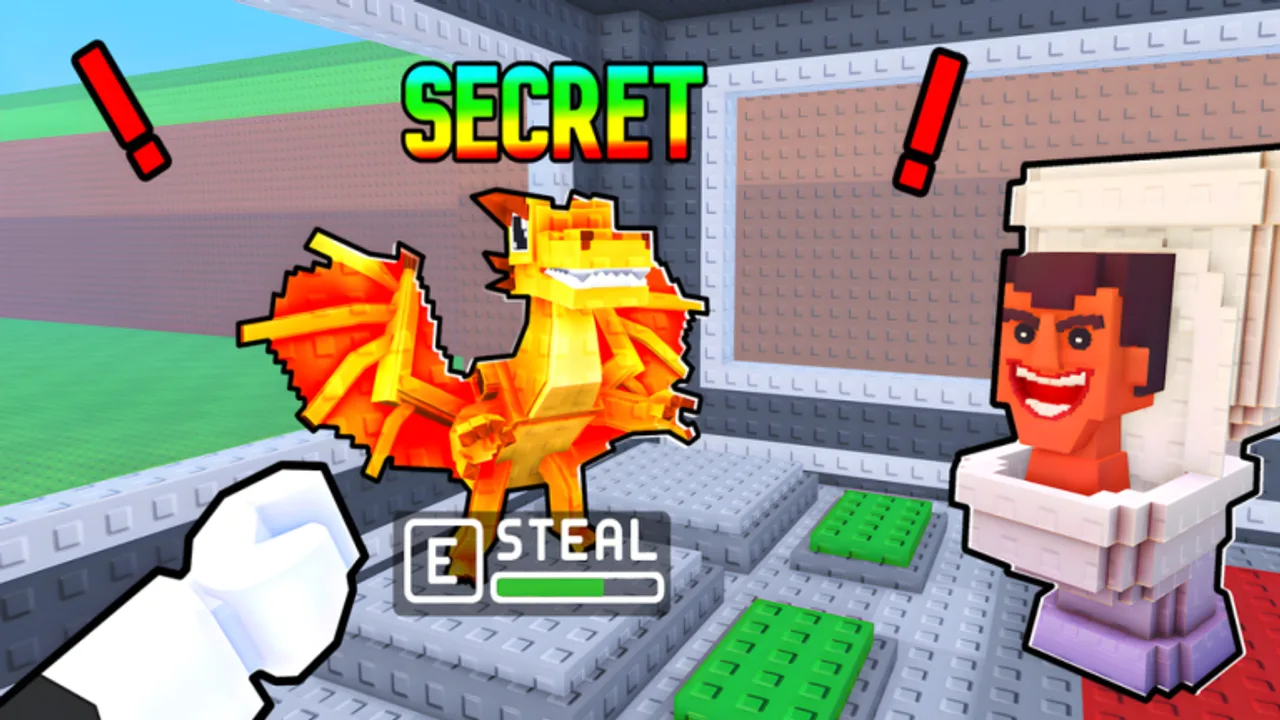
This guide explains how people generally run Roblox scripts in plain language so the Auto Farm Script page is usable—and so the risks are impossible to miss. It is written for Steal The Brainrot Base by Loot The Base! as a fan reference. It does not endorse breaking Roblox rules, does not rank paid executors, and does not pretend any setup is “legit safe.”
First principle: risk is the feature tax
Scripts require a third-party executor (also called a injector/client by communities). Roblox does not authorize these tools for normal play. Possible consequences:
- Account moderation or permanent ban
- Malware from fake executor downloads
- Stolen cookie/session tokens
- Corrupted saves feeling when automation spends wrong
- Instant breakage after a game or client update
If that list is unacceptable, use manual routes on the Tools Hub and stop here.
Vocabulary without the sales pitch
| Term | Plain meaning |
|---|---|
| Executor | Program that runs Lua in a Roblox client session |
| Attach / inject | Connecting the executor to the running game |
| Loadstring | Lua snippet that downloads and runs remote code |
| Key system | Extra unlock step some scripts force before load |
| UI / toggle menu | On-screen panel to enable farm, upgrades, etc. |
This wiki’s auto-farm page uses a remote loadstring. That means you are trusting the remote host content at the moment you run it. Content can change.
High-level steps people follow
- Decide the account risk. Prefer an alternate account with nothing valuable linked.
- Install an executor from a source you personally trust. Fake sites are common. This wiki will not recommend a brand.
- Fully close other suspicious cracks/cheats that bundle miners or stealers.
- Open Roblox and join Steal The Brainrot Base (confirm publisher: Loot The Base!).
- Attach the executor only after the game has finished loading.
- Paste the documented loadstring from Auto Farm Script into the executor window.
- Run once and wait for a menu or status message.
- Enable the smallest feature set first (for example farm only, not auto upgrade).
- Watch for several minutes before walking away.
- Detach / rejoin if anything looks wrong.
Exact buttons differ by executor. If you cannot find a clear attach/execute flow, you are not ready to experiment.
Hygiene habits that actually matter
- Never paste loadstrings from random chat users “updating” the wiki string
- Never enter your main Roblox password into an executor site
- Never disable antivirus globally because a crack asked you to
- Never run five scripts at once “for more FPS and farm”
- Never rebith-confirm prompts you did not intentionally open
- Take screenshots of your pad/cash state before long AFK farms so you notice theft or mis-spends
If a tool demands you log into Roblox through a lookalike website, stop. That is phishing, not scripting.
Game-specific caution for Steal The Brainrot Base
This experience is a small-server steal/tycoon loop: raid pads, escape chase, earn offline, upgrade, chase stars, rebirth. Automation interacts badly with that loop when:
- Auto upgrade burns cash you needed for a planned rebirth
- Auto farm pulls aggro while your base is unlocked
- Difficulty select is set too aggressive for a contested lobby
- You AFK without checking whether pads were actually filled
Pair any experiment with manual knowledge from Getting Started, Beginner Tier List, and Rebirth Checklist.
Safer testing checklist
Use this before a long AFK attempt:
- Confirm correct game and publisher
- Confirm only the wiki loadstring is pasted
- Confirm you can manually stop the script or force-quit Roblox
- Confirm you are willing to lose the account
- Confirm you checked Changelog Watch Notes for fresh breakage reports
- Confirm upgrades are either supervised or disabled
- Confirm you are not mid-trade / mid-purchase of Robux items you care about on that account
What “working” should look like
A functional farm usually shows a control UI, starts performing steals or pathing toward Brainrot targets, and—if enabled—touches upgrade options. You should still see recognizable Steal The Brainrot Base systems: pads, chase pressure, cash, floors/stars.
If the script opens unrelated GUIs, asks for mystery keys in DMs, or tries to teleport you to a different place ID, kill it.
When to stop permanently
Stop using scripts if:
- You receive any Roblox moderation warning
- Your main account credentials feel exposed
- The script repeatedly errors after a patch
- You no longer understand what it is spending
- You are only using it to harass a tiny lobby
Return to manual play. The Income Tier List and Steal Route Planner exist for a reason.
Related pages
Informational takeaway: executors run remote code with real account risk; this wiki explains the workflow so you can recognize danger, not so you treat automation as a supported play mode.
Frequently Asked Questions
Quick answers for Steal The Brainrot Base players.
Do I need a script to play Steal The Brainrot Base?
No. Scripts are optional, risky, and unrelated to learning the core steal, escape, offline cash, and rebirth loop.
Which executor should I use?
This wiki does not recommend or rank executors. Any third-party client carries malware and ban risk.
Can I make scripting safe?
No setup is guaranteed safe. Alt accounts and cautious testing only reduce blast radius; they do not remove Roblox enforcement risk.
Where is the loadstring?
Only on the Auto Farm Script page. Do not trust random chat variants.
What if the script UI never appears?
Do not keep re-running random code. Rejoin, confirm the game, and assume the script is broken or blocked after an update.